

By Computer
- Go to the CRA website – My account for individuals. This is the same site you would login to for income tax information and RRSP contribution room.
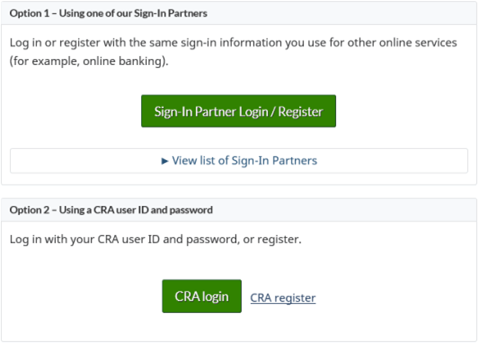
- Scroll down to the sign in area. You can either log in through a sign-in partner (i.e. with your bank information) or login directly through CRA – either way is fine.
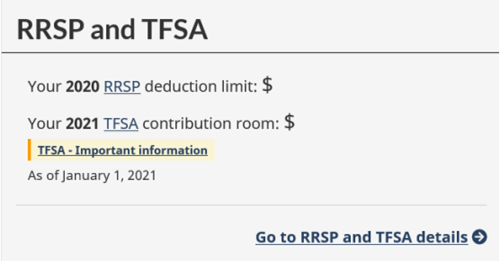
- After you log in, you can scroll down the main page until you see your RRSP and TFSA Room
Contact CRA Directly - Tax Information Phone Service 1-800-267-6999
- Call 1-800-267-6999
- Press 1 (for English)
- Press 5 (for registered accounts)
- Press 3 (for TFSAs)
- Press 1 (for room)
- You will need your date of birth, SIN and Line 1500 (used to be line 150) from last year’s return on your Notice of Assessment.